
Connect ePrice with Qapla’
To connect ePrice with Qapla’, please follow the steps described below.
1. Request the API Key
Log in to your ePrice account and click on your user name at the top right of the page.

My user settings > API Keys and copy the API Key.

Alternatively, you can request the API Key from your ePrice account manager.
2. Select the marketplace
Access your Qapla’ account and go to Settings > Channels > [Channel Name] > Marketplace.
Choose ePrice and click «Select»at the bottom.
3. Configuration and activation
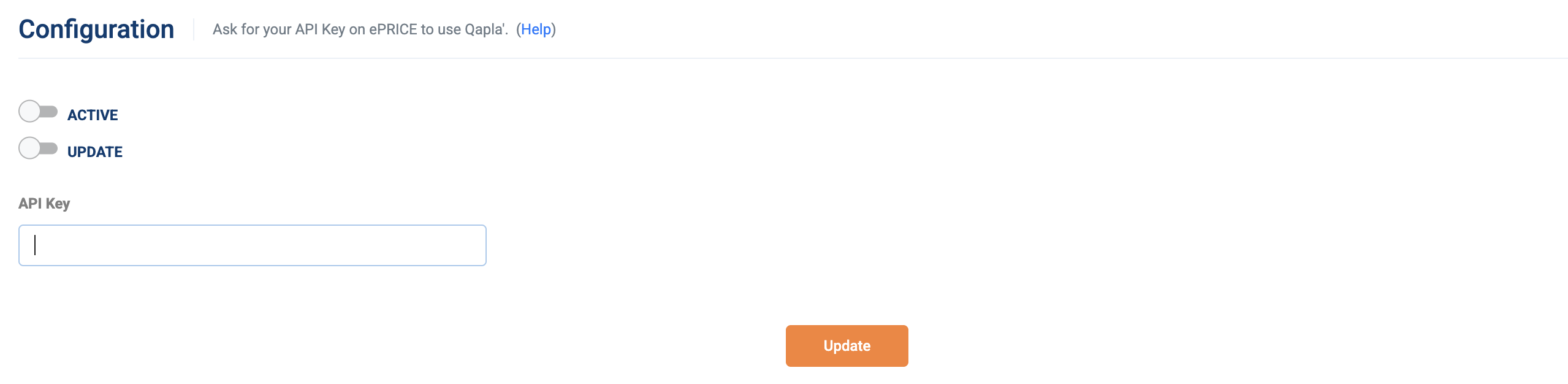
Go to the marketplace configuration section to enter the previously retrieved API Key.
In the same section, you can enable order import and automatic updates.
To complete the activation and save all data and settings, click «Update».
It is also recommended to verify the connection using the provided testing tool.
Need help?If you need assistance, contact Qapla’s Customer Care at support@qapla.it