
Connecting Etsy with Qapla’
To connect Etsy with Qapla’, you need to follow the steps outlined below.
1. Marketplace Selection
Log in to your Qapla’ account, and go to Settings > Channels > Channel Name > Marketplace.
Select Etsy, and click on «Select» at the bottom.
2. Configuration and Activation
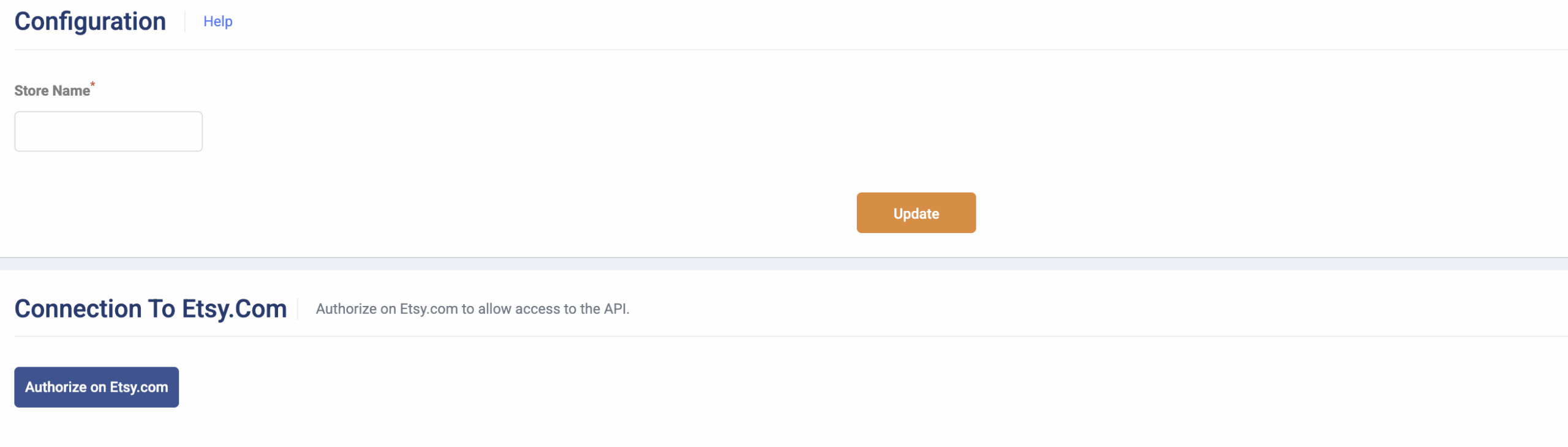
Go to the marketplace configuration to add your shop name, then click «Update»
3. Authorization on Etsy
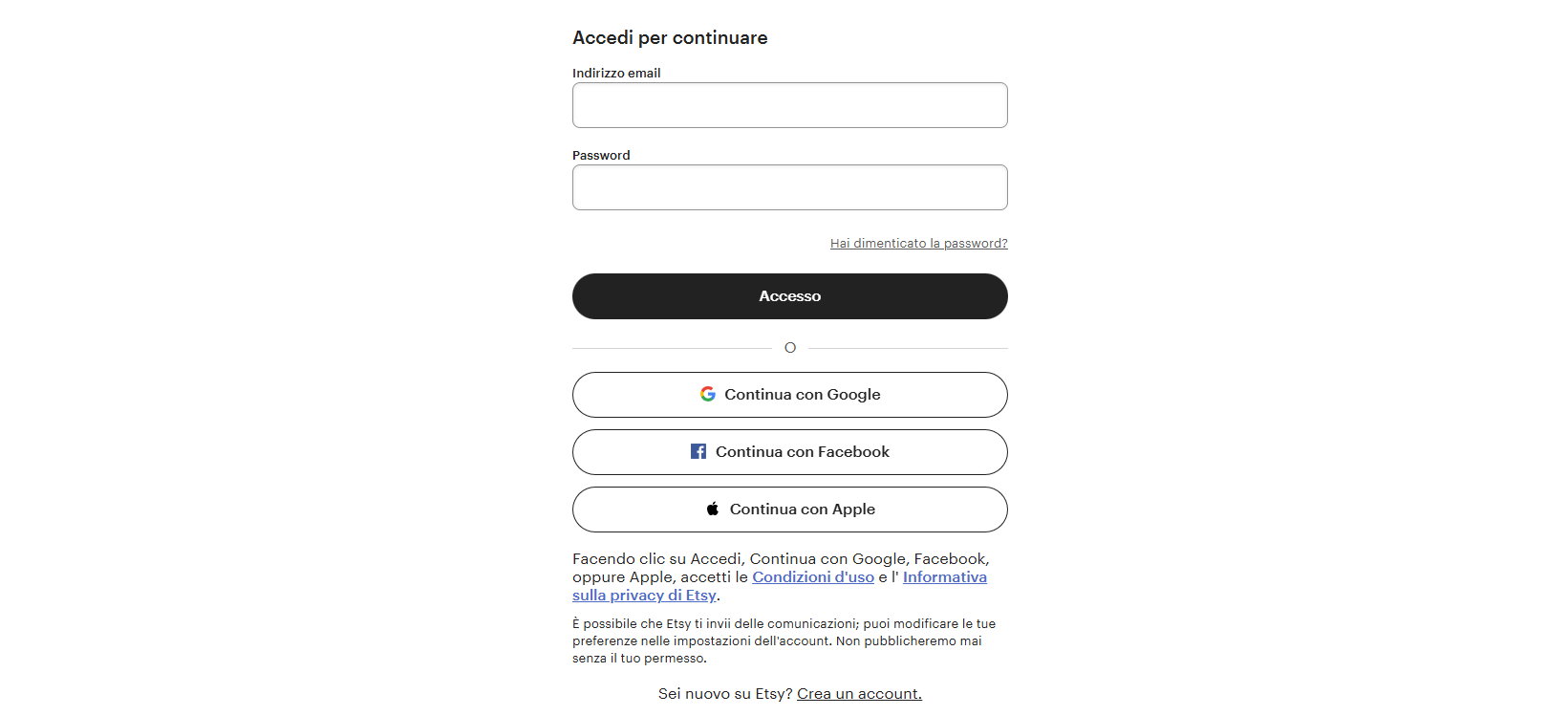
In the same configuration section, click «Authorize on Etsy.com» to allow the connection between the marketplace and Qapla’. To do this, you will need to log in using your credentials.
Once authorization is complete, it is recommended to return to the Qapla’ dashboard.
To finalize the activation and save all data and settings, click «Update».
Now the marketplace will be connected for automatic order import and updates.
It is also recommended to verify the connection using the available tool.
Need help?If you need assistance, contact Qapla’s Customer Care at support@qapla.it