
Connect Aliexpress with Qapla’
To connect Aliexpress with Qapla’ please follow the steps below.
1. Marketplace selection
Log in to your Qapla’ account and go to Settings > Channels > [Channel Name] > Marketplace.
Choose Aliexpress, then click «Select» at the bottom.
2. Authorization on Aliexpress
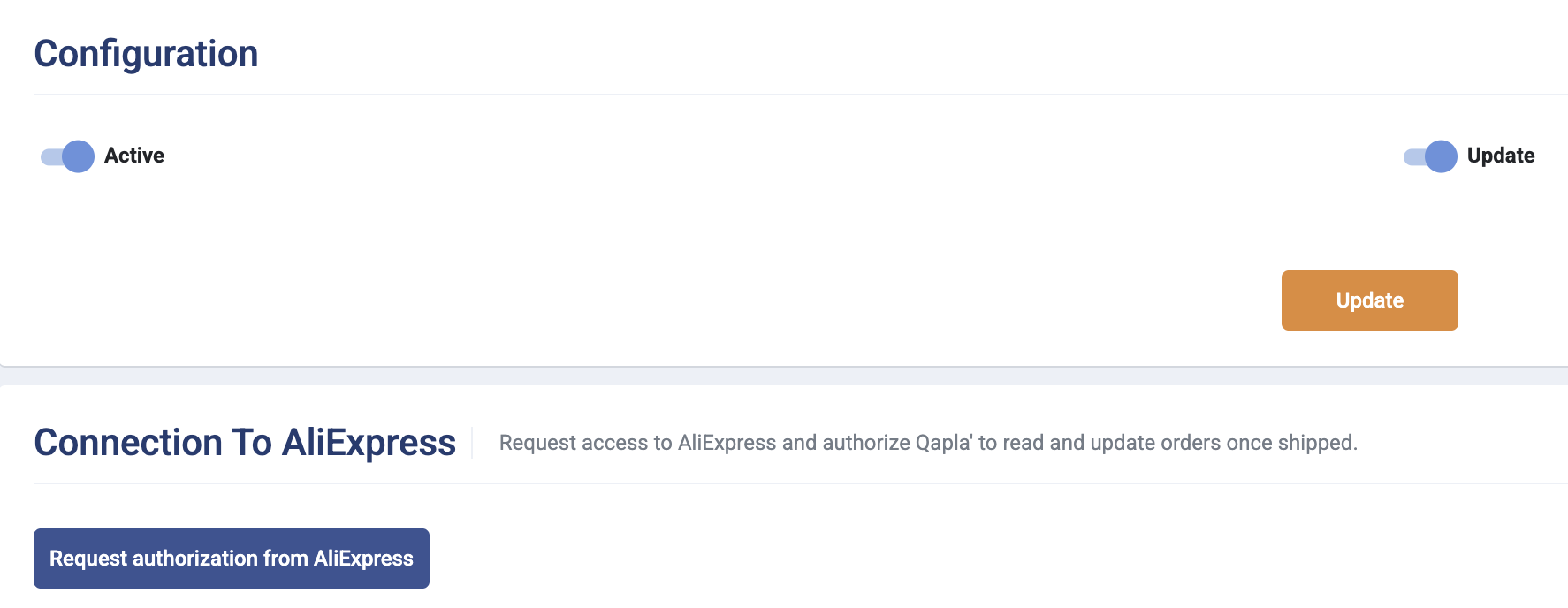
Next, click «Request authorization from Aliexpress» to allow the connection between the marketplace and Qapla’.
You will need to log in with your Aliexpress credentials.
3. Activation of import and update
Once authorization is completed, it is recommended to return to the Qapla’ panel to activate import and automatic updates.
After enabling the desired options, click «Update».
It is also advisable to verify the connection through a manual import in Labels > Create > Manual import.
Need help?If you need assistance, contact Qapla’s Customer Care at support@qapla.it